CEFR-Aligned English for Tuition Centres & Schools
Your students need far more English speaking practice than a teacher can give each of them in class. StuCent's English city gives every student a self-paced course, from beginner (CEFR A1) to advanced (C1), where they listen, choose, write and speak out loud in every room, while your staff see each student's progress by class.
In short
- What: a CEFR-aligned English course in StuCent, A1 to C1, with speaking in every room.
- For: teens at every level; children of about 6 to 11 from A1 to B1, with their own lessons.
- Staff see: rooms passed, stars and mastery, per student and per class.
- Start: register your organisation, create a class and invite your students.
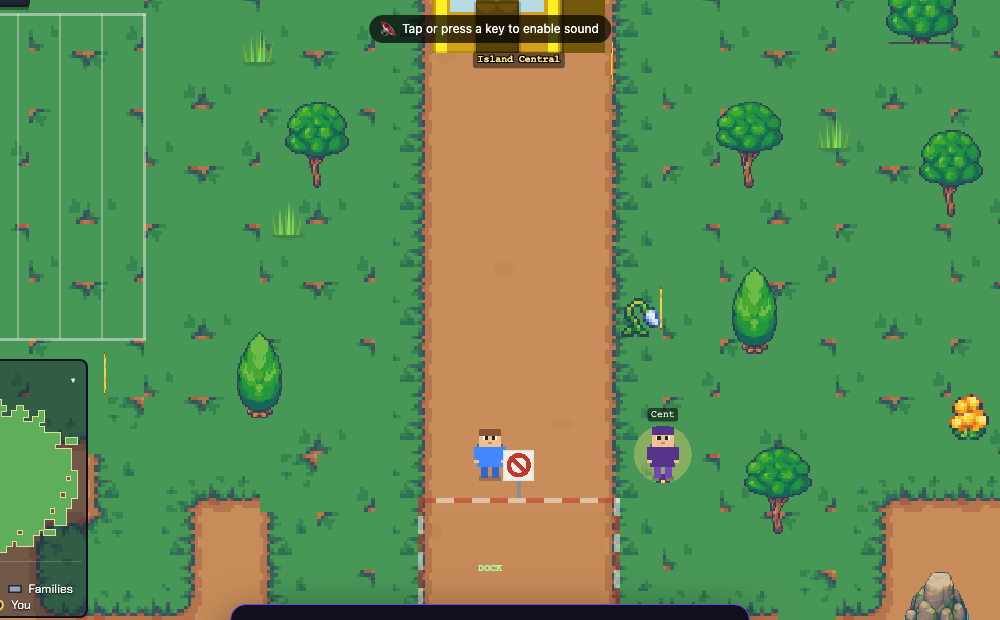
StuCent is a game-like world. Students walk into rooms; the English city is on the Languages island.
What do students do?
Each room teaches one thing: a grammar point, a set of words or a sound. A student opens it and gets:
- A short lesson with examples and audio, written for their age: from A1 to B1 there is a version for younger children and one for teens.
- Projects: short sequences of steps, such as listening and choosing a picture, matching, putting words in order, gap-fills, dictation, and speaking.
- Practice questions for review.
For example, in the first room ("I am, you are"), a younger student hears "I am a student" and taps the right picture, fills the gaps in "I ___ Lucy. You ___ Tom.", orders the words of a sentence, then says eight short phrases into the microphone.
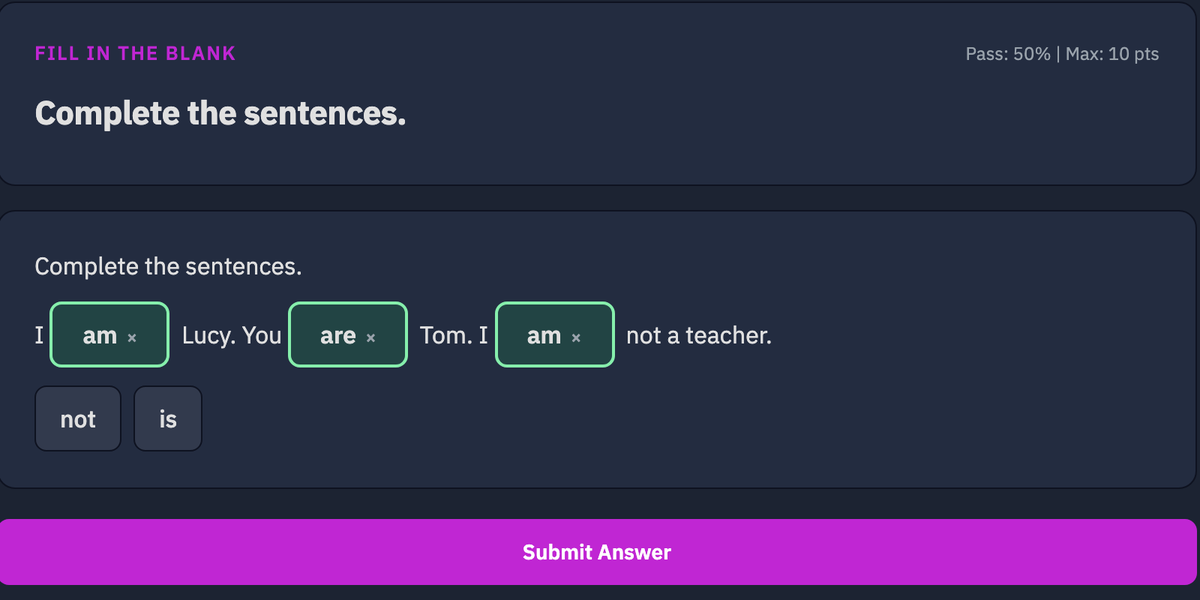
Step 3: words from the word bank drop into the gaps.
Open the first room yourself (sign in first).
Rooms unlock in order, so a student meets an idea only after the ideas it builds on. Each room has a pass mark and up to three stars, and a mastered room asks for a short re-check later.
How does it fit school English in Malaysia?
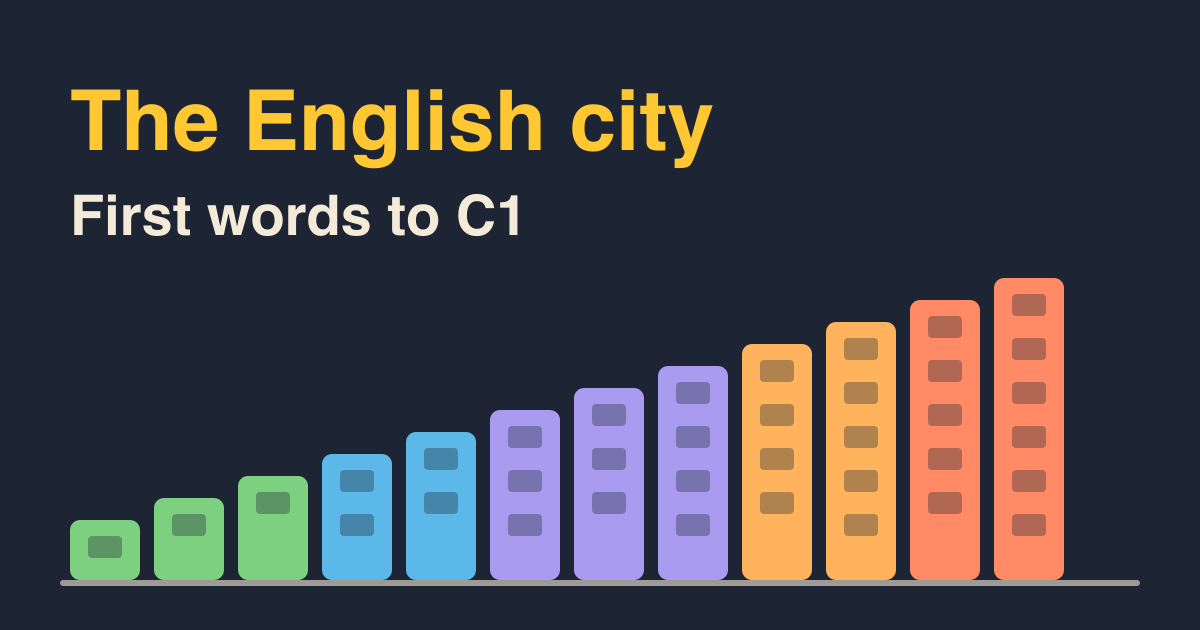
Malaysia's school English (KSSR and KSSM) is aligned to the same scale. The Ministry of Education's English Roadmap 2015–2025 set targets of A2 by the end of primary school and B1 to B2 by SPM. The English city has 12 districts across 10 half-levels, from A1.1 to C1.2 (A1.2 and B1.1 have two districts each); these half-levels are StuCent's own stages, not official CEFR sub-levels, but they show which part of the city matches your syllabus. Every student starts at the first room and moves up at their own pace:
| Half-levels | Level |
|---|---|
| A1.1 to A2.2 | Primary school target |
| B1.1 to B2.2 | Secondary school and SPM |
| C1.1 and C1.2 | Beyond SPM |
How is speaking marked?
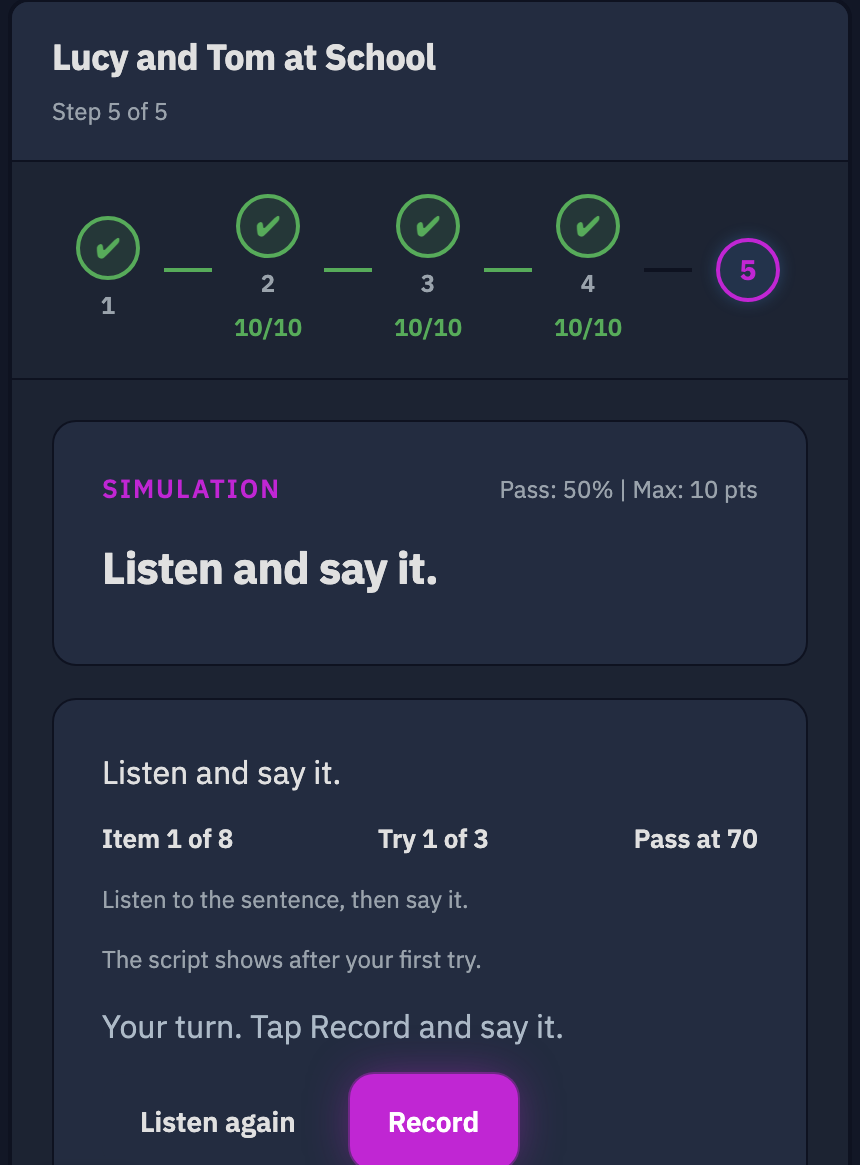
A speaking step in StuCent: listen, then tap Record. The written sentence shows only after the first try, so your child listens first.
Guided speaking (repeat, read aloud, shadowing): StuCent writes down what the student said and compares it word by word with the model, with part credit for near misses and a check on pace. If the model is "Are you a student?" and the student says "Are you student?", three of four words match and the step gets part marks. It checks the words and the pace, not the accent.
Open speaking (answer a question, describe a picture, retell, role play) is marked by StuCent's AI against a rubric. Your staff see these marks in a grading inbox and can review them, and students can ask for a mark to be checked.
Who sees what?
- Owner: sets up the organisation, invites staff and students, sees every class.
- Manager: runs the organisation's classes, or only one class if you limit them to it.
- Grader: marks open answers and handles students' questions about marks.
- Guardian (a parent): not a staff role; a linked parent sees their own child's progress and gets a weekly report.
Class dashboards show each student's rooms passed, stars and mastery, and each student has a printable progress report. Larger organisations can pull students and progress as CSV or JSON through an API.
How do students join?
- From a list: paste your students' and staff's emails, and StuCent sends invitations.
- From your own portal: schools with a student portal can send students straight into StuCent with a signed sign-in link. Google sign-in also works.
- Younger children can sign in with a username instead of an email.
What about privacy and child safety?
- When you register, you give your organisation's legal details and accept a data processing agreement.
- Consent for younger users follows the age-of-consent rules of each country. Who may give it, a parent or a school, depends on local law.
- Children below the age of consent who are not in a school or family group cannot use open chats, and parents can restrict their child's chat further.
- Speaking recordings are turned into text for marking, then deleted. A child's recording is kept only if the retention settings allow it and a parent agrees. Details are in StuCent's privacy policy.
How do we start with one class?
- Register your organisation and create one class.
- Invite the students from a list.
- For a week, students spend 15 to 20 minutes a day in the English city, in class or at home.
- Look at the class dashboard (rooms passed, stars, mastery) and decide how to go on.
To set up a larger group, email sales@stucent.com with your organisation's name, country, and the age, level and number of students.
Parents asking what their child will do? Send them the tour of the English city.
FAQ
Do we need to change our syllabus?
No. Students work through the city at their own pace alongside your lessons, and each district's CEFR label shows its level, which you can compare with your syllabus targets. You cannot assign rooms to a class yet.
Can we use it with mixed levels in one class?
Yes. Each student moves at their own pace, so one class can have students in different districts.
Which devices work?
A laptop, tablet or phone with an up-to-date web browser and an internet connection. Speaking steps need a microphone.
Is the interface available in other languages?
Yes, in 18 languages, including Bahasa Melayu, Chinese, Tamil, Arabic and Indonesian. The course itself teaches English.